Its own window
In the Dock or on the taskbar, next to email and everything else you keep open.
Syntrah for Mac and Windows. It’s the console your office already uses, out of the browser tabs and one click away all shift.
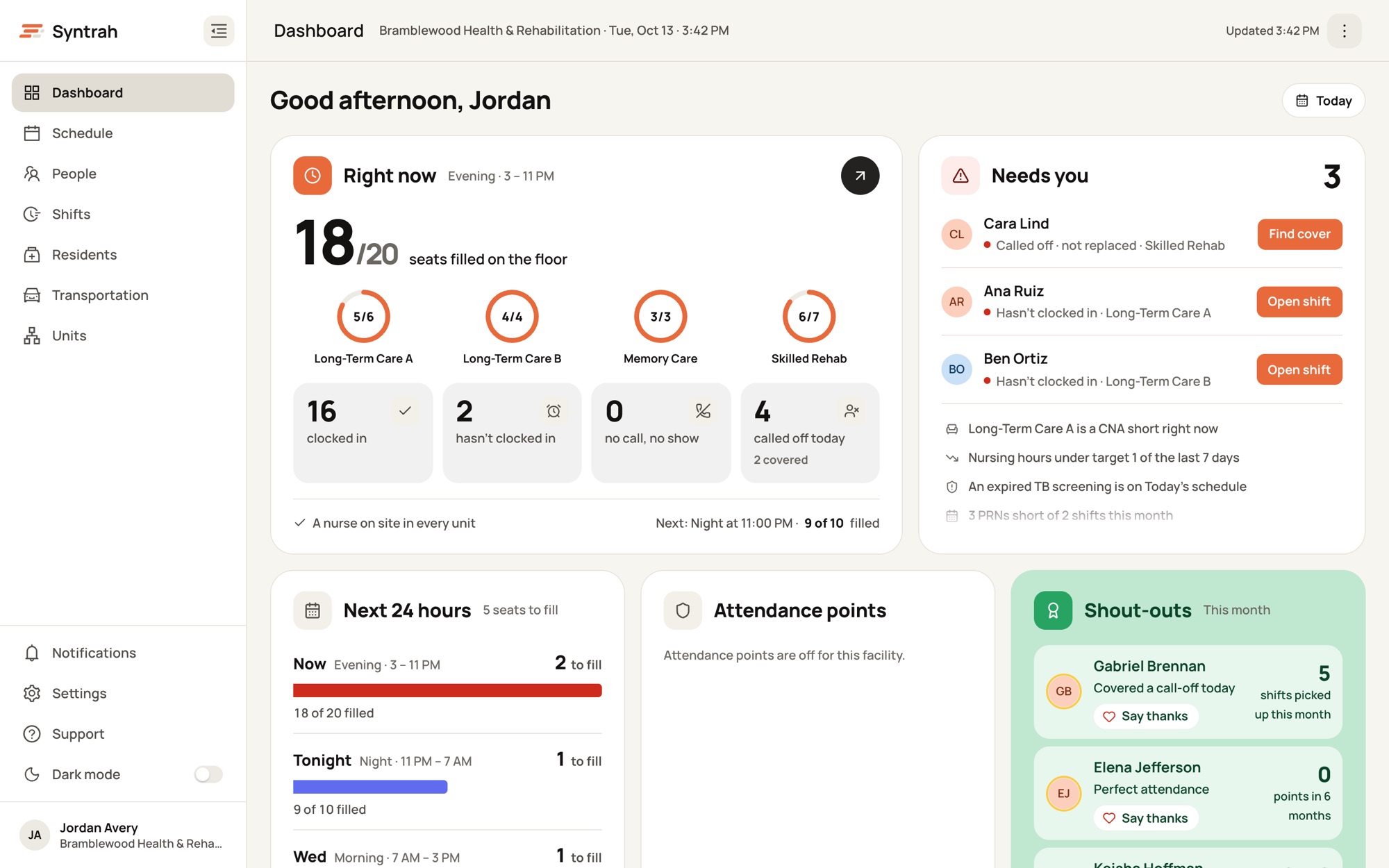
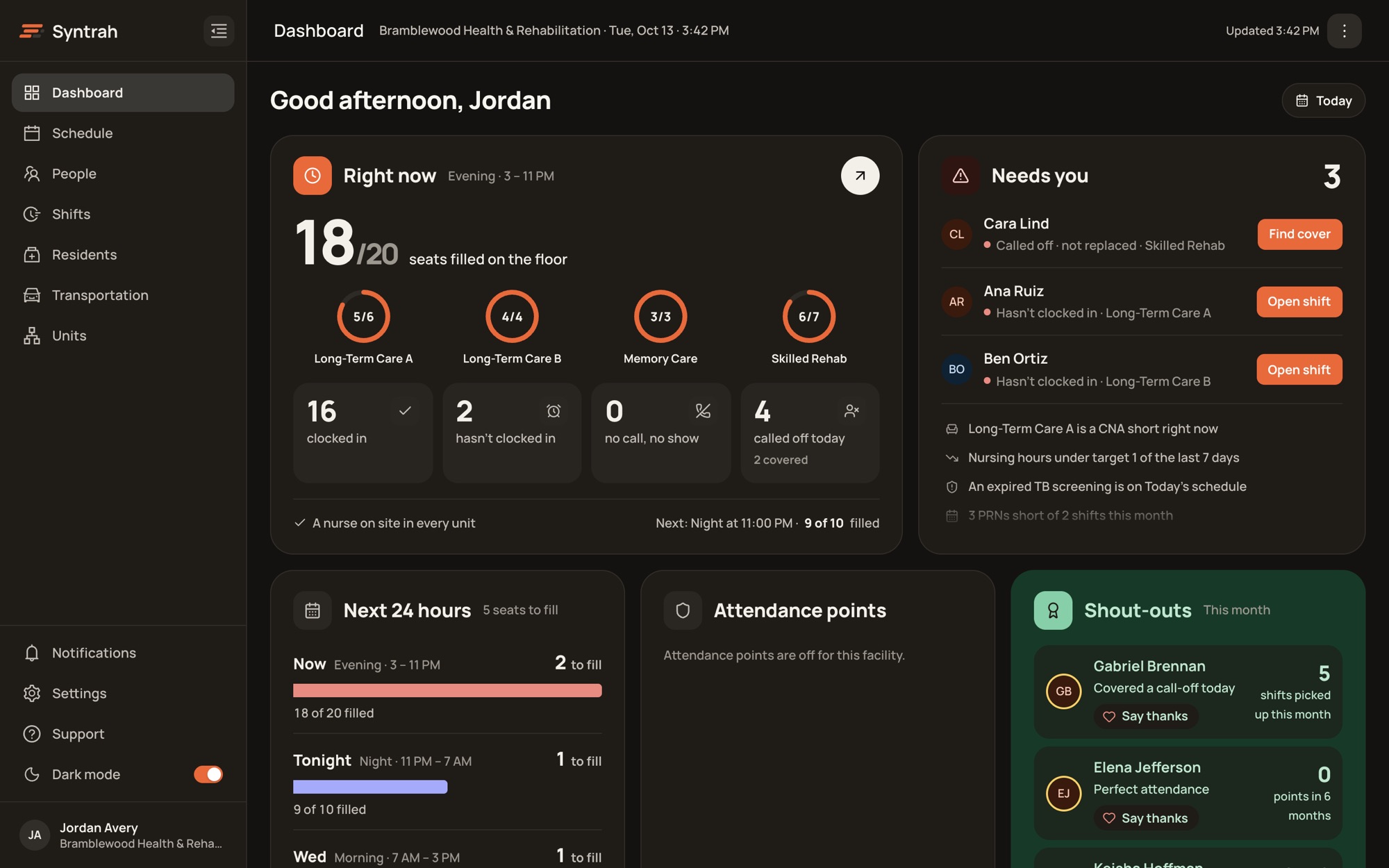
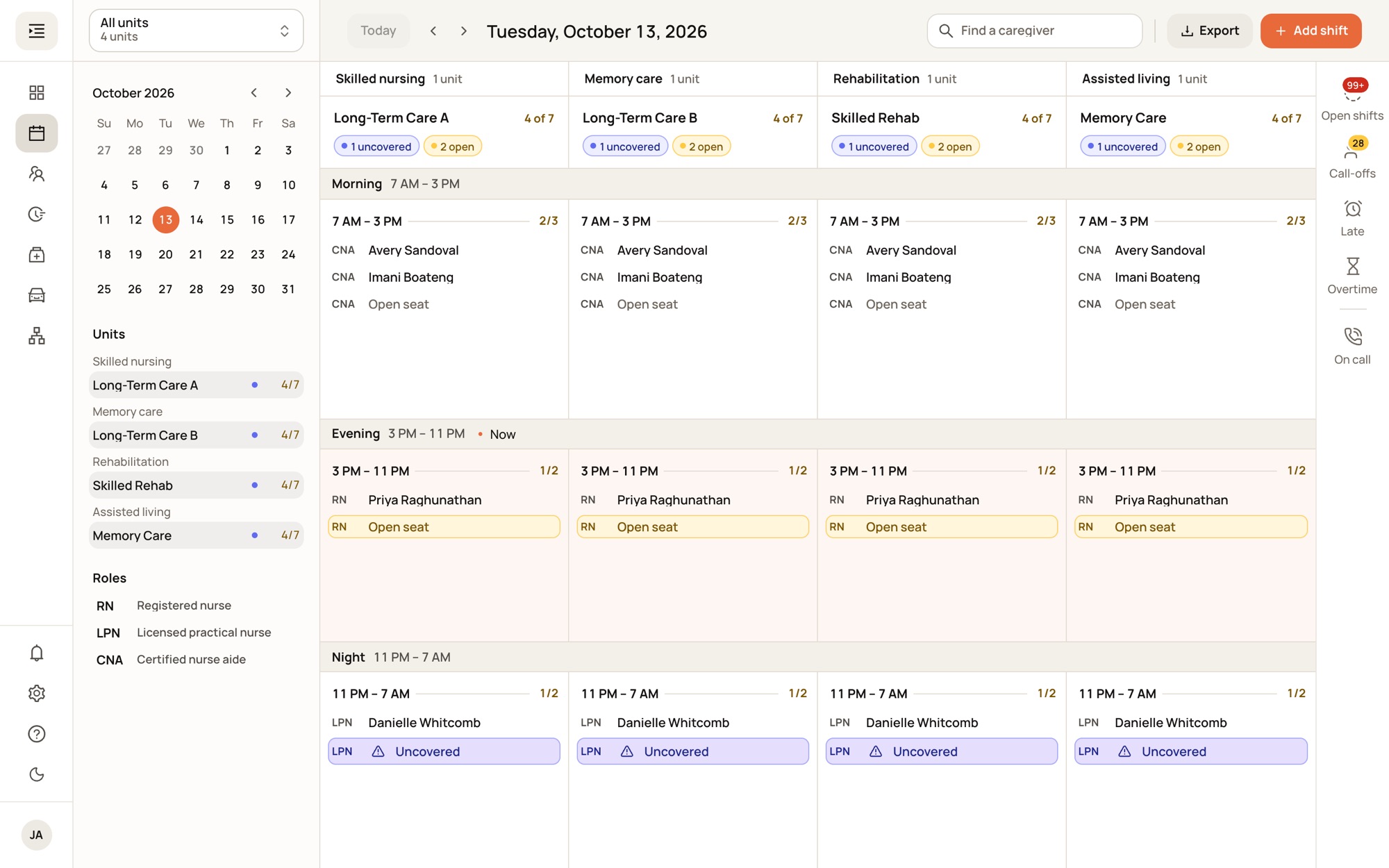
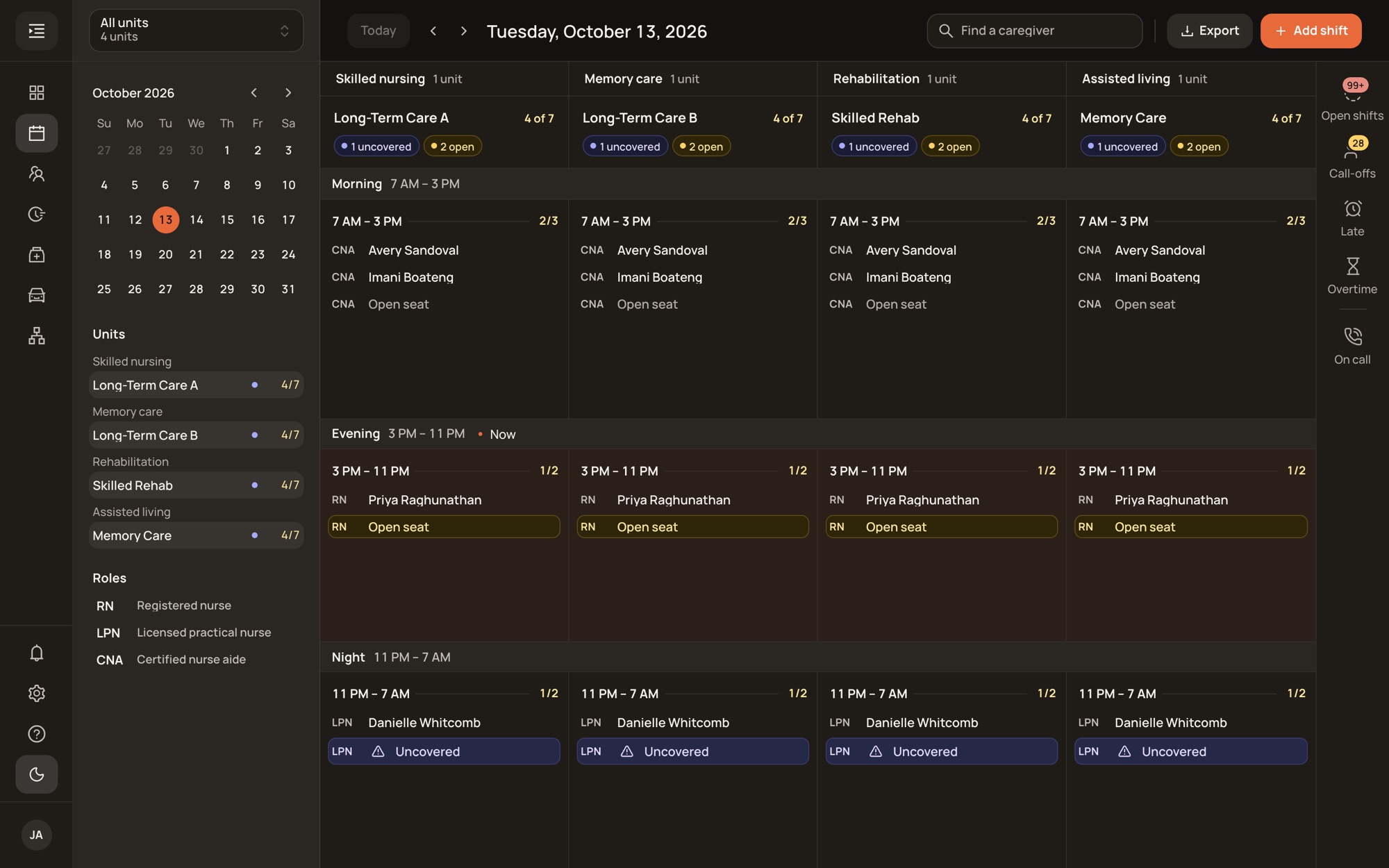
Screens show a sample facility with fictional data.
In the Dock or on the taskbar, next to email and everything else you keep open.
Turn on Open at Login, and Syntrah is waiting when the computer starts.
Every Syntrah update reaches the window the next time it opens. There’s nothing to install.
The window follows the appearance each person picks in the console.
The title bar, Dock and taskbar only ever say “Syntrah”, never a name from the page.
Every download asks where to save it. Links to other sites open in your browser.
Sign in with the account you already use for Syntrah on the web. Your access and your facilities come with you.
Rolling out to customers now. Ask your Syntrah contact for the installer.
 Syntrah
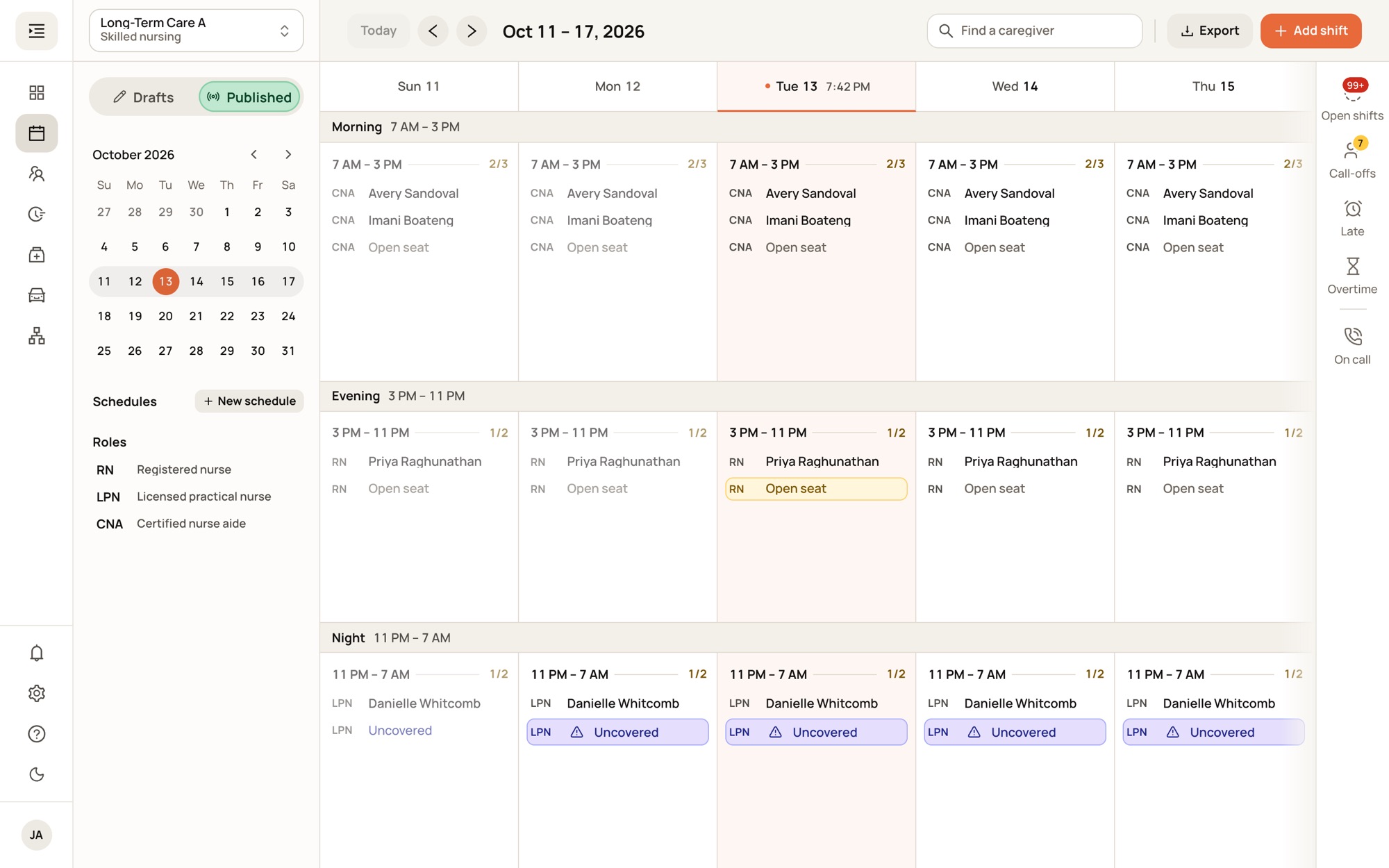
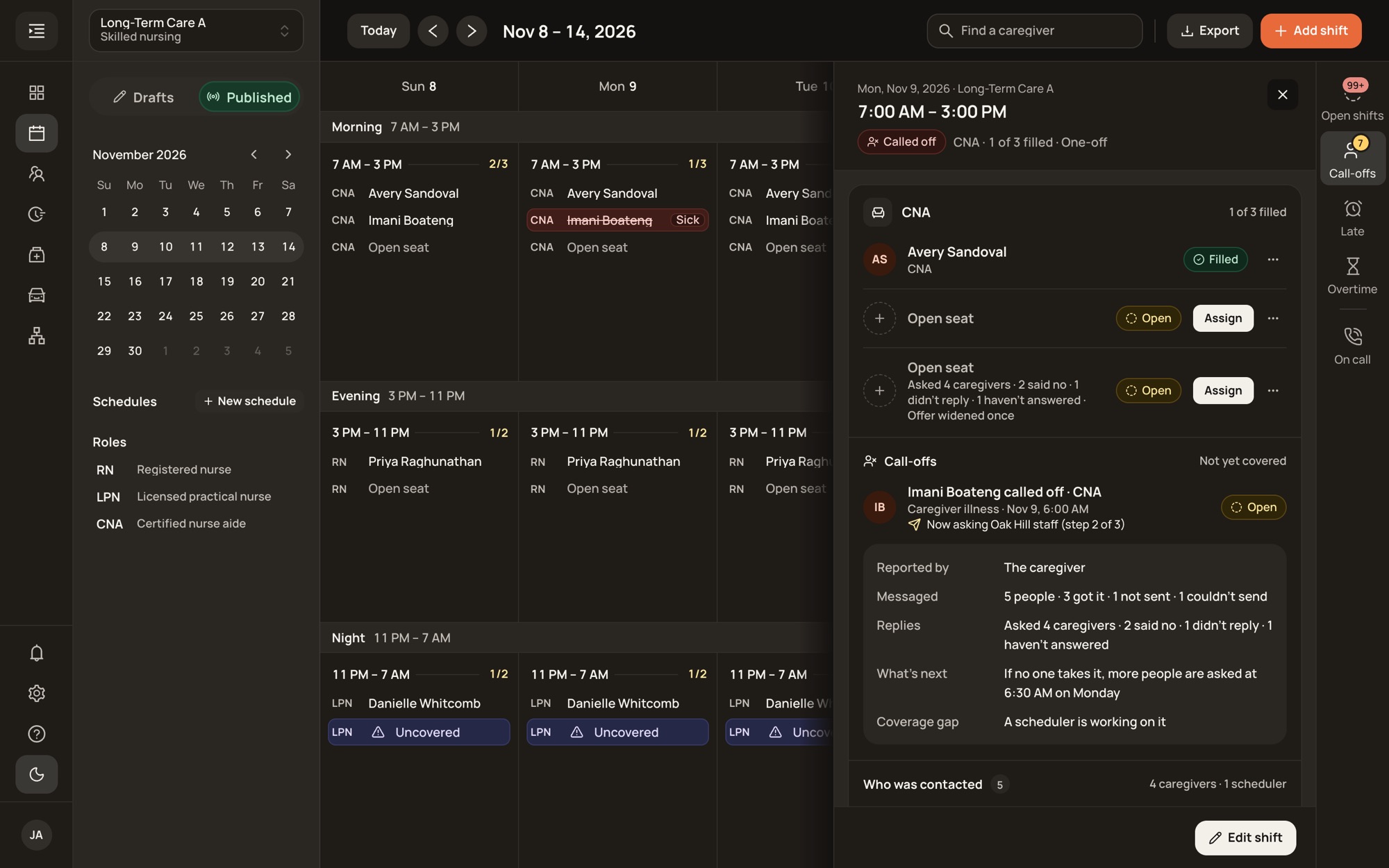
No. It’s the same console, with the same pages, the same sign-in and the same access. The desktop app gives it a window of its own. Anyone can keep using the browser.
The window loads Syntrah itself, so every update to the console reaches it the next time it opens or reloads. Nobody has to install anything.
The window says it can’t reach Syntrah and keeps trying on its own. When the connection is back, you carry on where you were.
Only Syntrah. It never asks for the camera, microphone or location. Other websites open in your browser, and every download asks where to save it.
Let’s walk through a call-off together, start to finish.
No pressure. No commitment. Just a conversation about your building.